โ€”

๐Ÿ’ก Tips & Shortcuts

Uploading
โ€ข Upload PNG, SVG, AI, PSD, or PDF files
โ€ข Set W", H", QTY on each logo card โ†’ hit Place
โ€ข Changing W auto-adjusts H to keep proportions
โ€ข Hit Place again to replace with new size/qty

Selecting & Moving
โ€ข Click a logo on the canvas to select it
โ€ข Shift+click or drag empty area to multi-select
โ€ข Arrow keys = nudge 1px  ยท  Shift+Arrow = 10px
โ€ข Delete key removes selected logo

Resizing & Rotating
โ€ข Drag corner handles to resize on canvas
โ€ข Drag circle handle to rotate
โ€ข Type exact W/H in the Selected panel + Enter
โ€ข โง‰ Dupe Below = places a copy directly underneath

Sheets
โ€ข Double-click a sheet tab to rename it
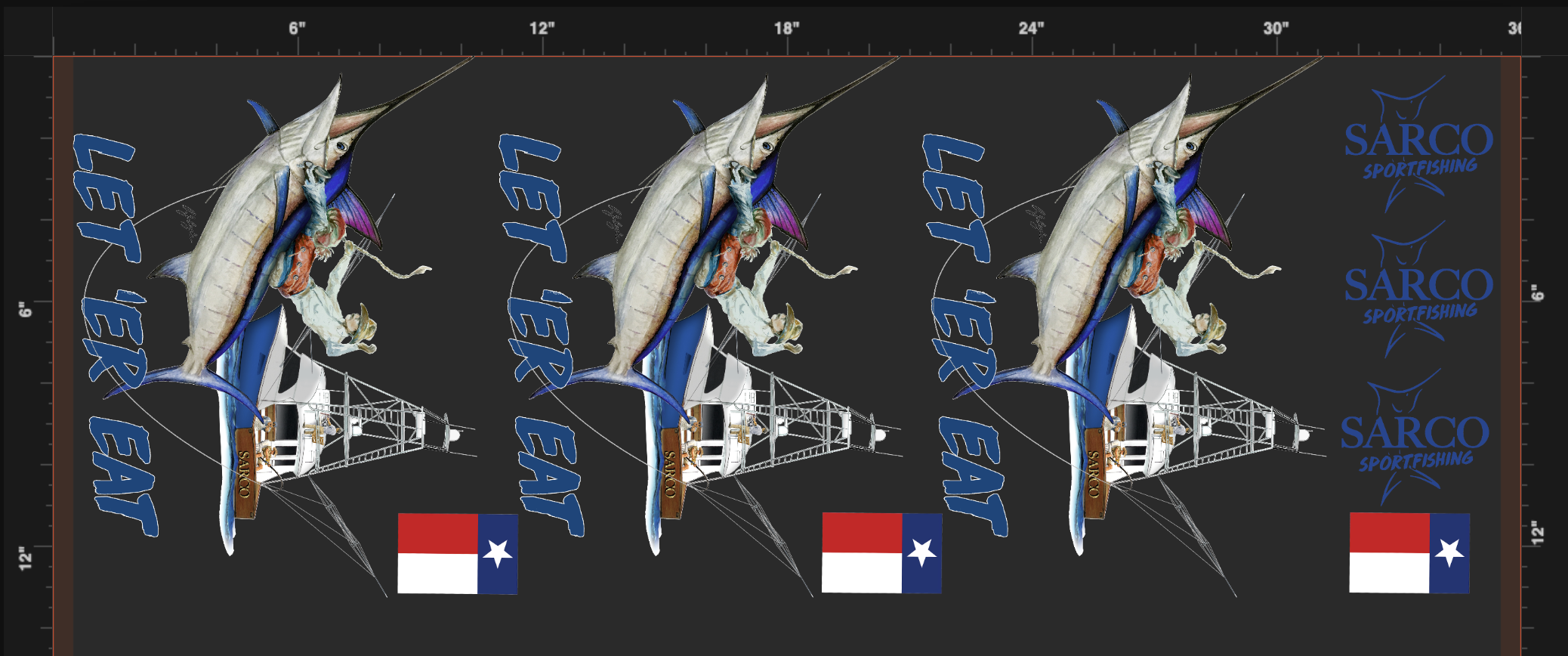
โ€ข Sheet auto-crops to your logos when you submit โ€” no need to drag the red bar
โ€ข Add multiple sheets for different designs in one order

Other
โ€ข Ctrl+C / Ctrl+V to copy-paste a selected logo
โ€ข Toggle dark BG button to preview white ink designs
โ€ข Overlap warning appears if logos are on top of each other

โฌ‡ Drop Image Here
โ–ผ
Each sheet up to 75"
โ†‘ sheet will auto-crop excess space on download
Gang Your DTF

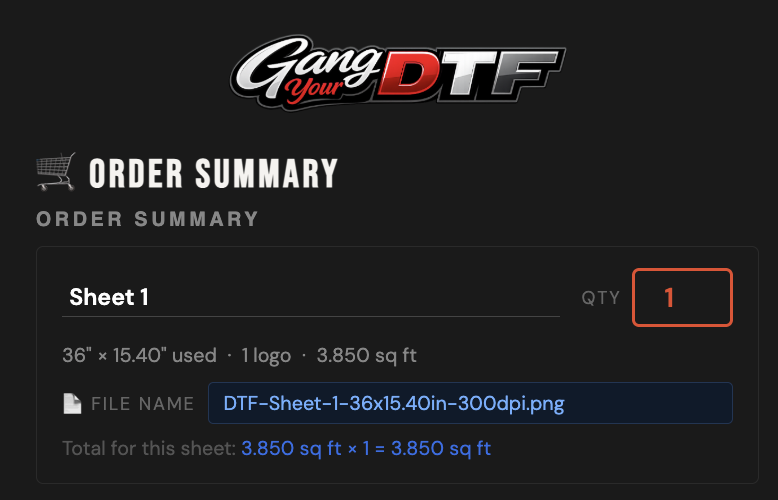
๐Ÿ›’ Order Summary

Order Total
0.000 sq ft ร— $4.50/sq ft
$0.00
What happens next
โœ…  You'll receive a confirmation email with your order reference
โœ…  Complete payment on Shopify โ€” your receipt is emailed to you
โœ…  We get notified to start printing
๐Ÿ“ฅ How you receive your files
Your files are not emailed as attachments. After paying, check your email for a confirmation with a download link. Click it and your PNG files save directly to your device. No reply or upload needed from you โ€” we receive everything automatically.

Secure checkout via Shopify  ยท  Confirmation email sent instantly

โœ Edit Logo

Pick a color โ€” the preview updates live. When you're happy with the result, click Apply Color below to commit it to your logo.